This section describes how to uninstall ForecastX. It also provides an overview of the compatibility between the current version of ForecastX and previous version of the ForecastX.
Backward Compatibility
The new ForecastX is not compatible with any previous version of ForecastX, so before installing, you need to uninstall all previous versions.
To remove ForecastX from your computer:
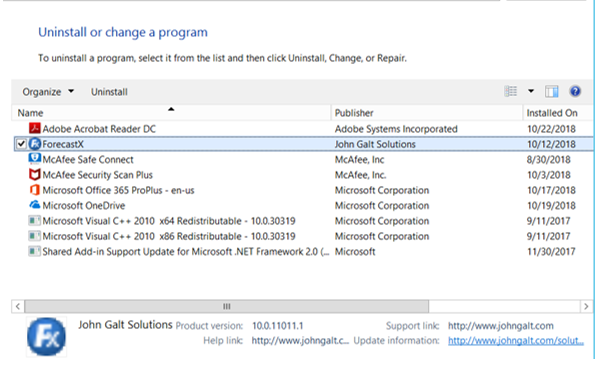
- Go to the Control Panel and click Add or Remove programs.
- Click ForecastX, and then click Uninstall.
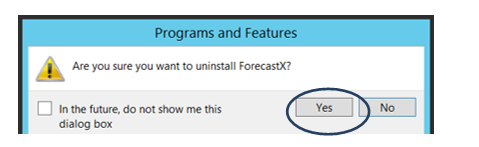
- Click Yes.
- Open Excel and remove the toolbar.
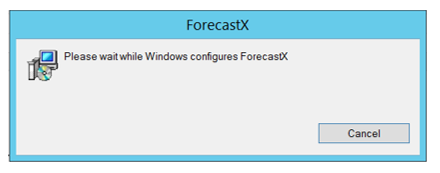
The uninstallation process will take a few moments to complete.
Comments
0 comments
Please sign in to leave a comment.