To generate a Collaboration Report:
- In the Reports tab, enable the Use Consensus checkbox and then click Use Consensus.

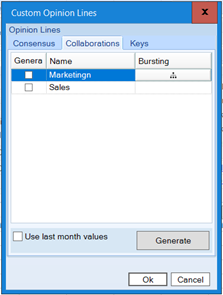
- On the Collaborations tab, enter the following:
- Generate - Enable this checkbox to generate this opinion line when you click Generate.
- Name - The name of the opinion line.
- Bursting - Generates multiple reports according to the levels defined. For more information, see step 3 below.
- Use last month values - Enable this checkbox to use last month's values in the opinion lines. For more information, see Use Collaboration Data from the Previous Month.
- Generate - Click this button to generate the opinion lines you have selected.
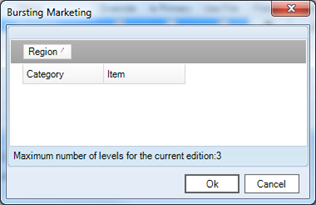
- Under the Bursting column, click the icon and drag the category to the dark gray field. The options shown in this box are pulled from the labels from the dataset or spreadsheet being used. Then click Ok.
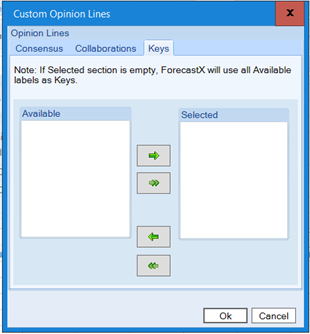
- Click Keys tab and select the available labels.
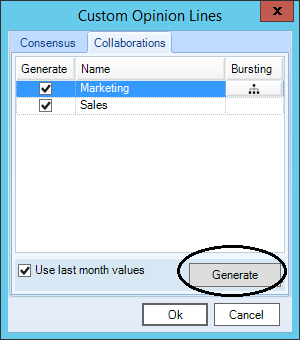
- Click Generate. The Collaboration Report appears.
- Click View Output. The Collaboration Report appears.

Comments
0 comments
Please sign in to leave a comment.