The import option lets you load the data back into the Wizard Reports to compare the answers. After the users override their numbers, you can map the different files into the opinion lines, with the files provided by the users.
- Go to Add-ins > Import.

- For each opinion line for which you want to add the data path to, enable the Import checkbox, and then click the eyeglass icon under the File(s) column.
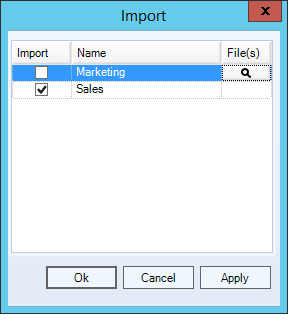
- Click Add File, select the eyeglass icon on the right side of the window, and then select the file containing the data.
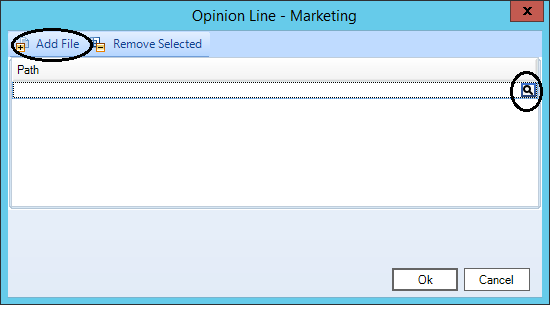
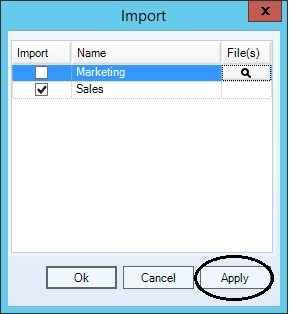
- Click Ok and then click Apply.
- Click View Output.
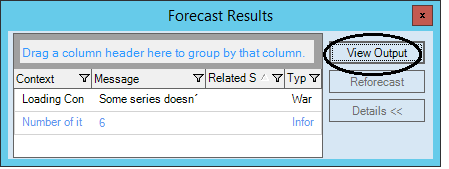
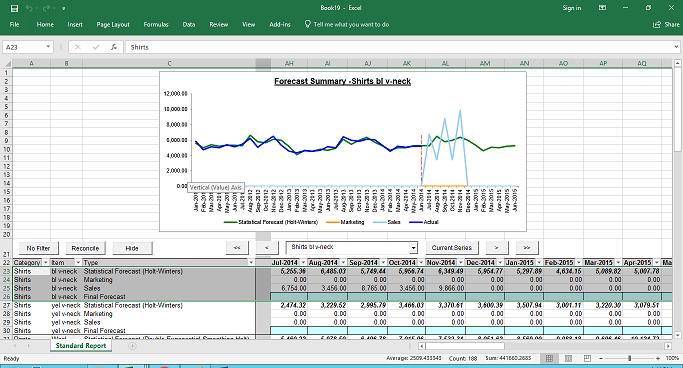
- The report is updated with the imported Opinion Line data.
Comments
0 comments
Please sign in to leave a comment.