To add opinion lines and generate a Consensus Report:
- In the Reports tab, enable the Use Consensus checkbox and then click Use Consensus.

- On the Consensus tab, enter the following:
- Include - Enable this checkbox to include/load this opinion line.
- Name - Enter the name of the opinion line.
- Override - Enable this checkbox to have the Final Forecast use values defined in this opinion line when you reconcile.
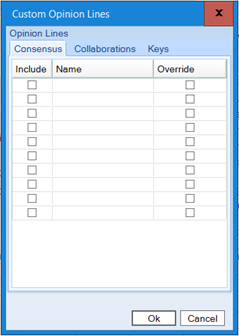
- Click Ok, then Finish. The Forecast Results appear.
- Click View Output.
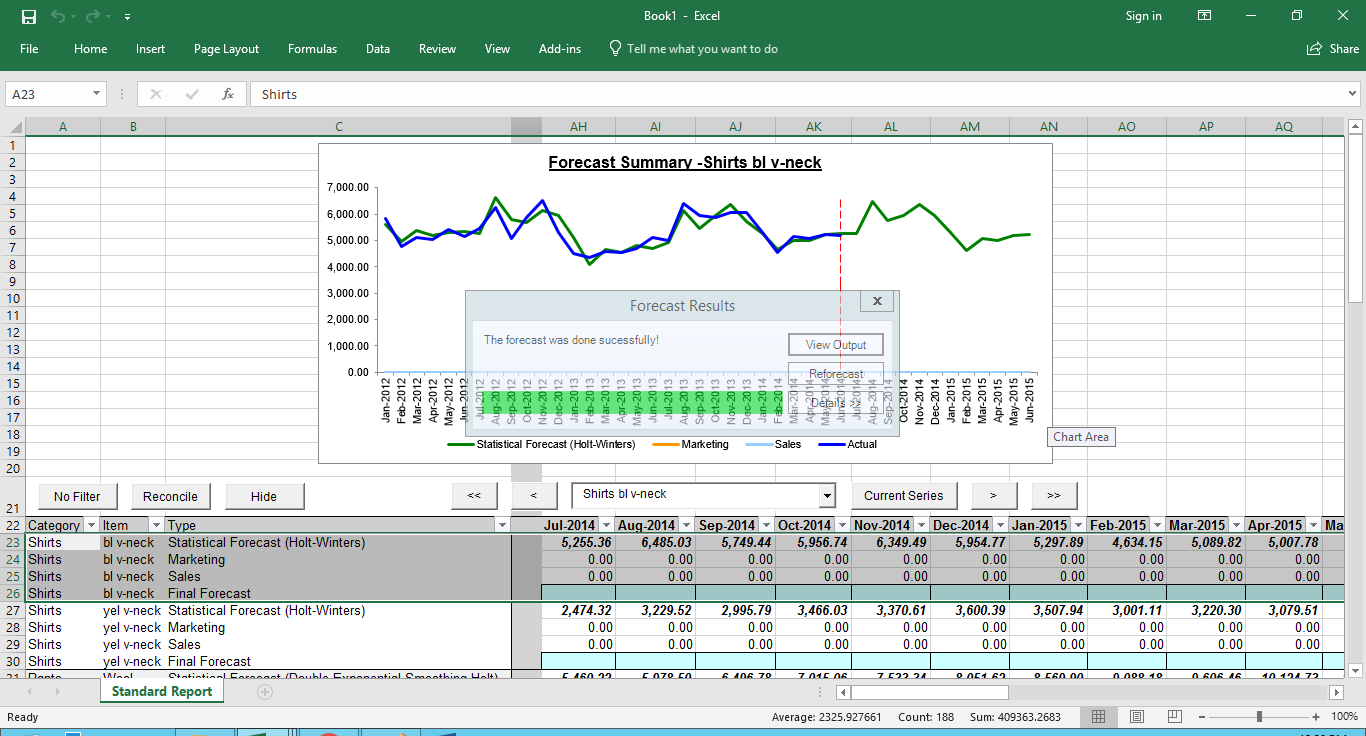
- The Consensus Report appears.
Comments
0 comments
Please sign in to leave a comment.